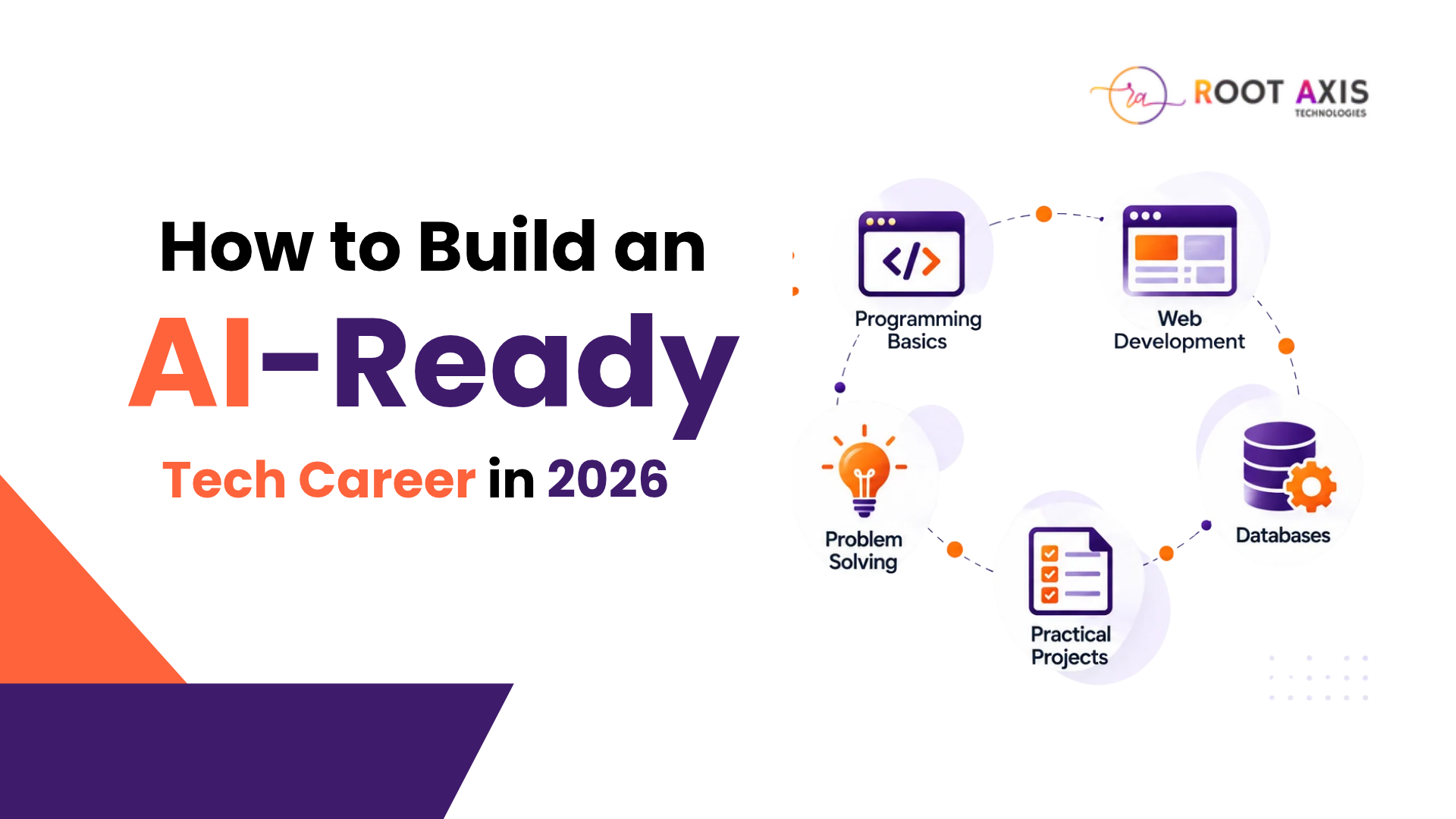
How to Build an AI-Ready Tech Career in 2026: Skills Every Beginner Should Learn
Introduction
Artificial intelligence is changing how people develop software, analyse information, automate tasks, and solve business problems. As technology evolves, students and freshers need to understand not only how to use digital tools but also how to apply technical knowledge to real-world challenges.
For beginners planning a career in technology, choosing what to learn can feel confusing. Should you start with Python, web development, data science, or artificial intelligence?
The answer depends on your interests and career goals. However, building a strong foundation in programming, problem-solving, and practical project development can help you explore different technology career paths.
In this guide, we will explore the essential AI and software development skills beginners should consider learning in 2026 and how to start building them step by step.
1. Learn Programming Fundamentals First
Programming is an important starting point for many technology career paths. Before exploring advanced AI tools or frameworks, beginners should understand how software works.
Programming fundamentals help you develop logical thinking and understand how instructions become working applications.
Which programming language should beginners choose?
Python is a useful starting point because its syntax is relatively readable and it is used in areas such as automation, data analysis, and machine learning.
Java is another option, particularly for learners interested in object-oriented programming and application development.
You do not need to learn every programming language at once. Choose one language, understand its fundamentals, and practise regularly.
Start by learning:
- Variables and data types
- Conditional statements and loops
- Functions and basic data structures
- Object-oriented programming concepts
- Error handling and debugging
Once you understand these concepts, you can apply them to small programs and gradually work towards larger projects.
2. Understand Artificial Intelligence and Machine Learning
AI is becoming part of many software products and business workflows. Learning its fundamentals can help beginners understand how intelligent systems process information and support decision-making.
However, using an AI chatbot is different from understanding how AI systems work.
Beginners should explore the basics before moving on to advanced tools or models.
What should you learn about AI?
Start with the difference between artificial intelligence, machine learning, and deep learning. Then explore how data is collected, prepared, analysed, and used to train machine learning models.
You can gradually learn about:
- Basic machine learning concepts
- Data preparation and analysis
- Model training and evaluation
- Generative AI and large language models
- Responsible AI use and data privacy
Python is commonly used for learning and experimenting with machine learning libraries.
You do not need to master every AI concept immediately. Begin with the basics and build your understanding through simple exercises.
3. Develop Practical Software Development Skills
Understanding concepts matters, but applying them is just as valuable. Practical development shows you how individual programming concepts work together in a real application.
For example, you could create a personal portfolio website, a student management system, or a simple expense-tracking application.
Explore full-stack development
Full-stack development introduces you to both the frontend and backend of a web application.
The frontend is the part users interact with, while the backend handles application logic and communication with databases.
A beginner learning path may include:
- HTML and CSS: Build and style web pages.
- JavaScript: Add interactive behaviour.
- Python or Java: Learn backend programming.
- Databases: Understand how application data is stored and retrieved.
- APIs: Learn how different software components communicate.
- Git: Track code changes and manage project versions.
Choose a manageable project and develop it one feature at a time. This approach helps you connect theoretical knowledge with practical implementation.
4. Learn to Use AI Tools Effectively
AI tools can assist with coding, research, documentation, brainstorming, and debugging. Learning to use them responsibly can become a useful part of your technical workflow.
However, copying AI-generated code without understanding it can create problems when the code fails or needs modification.
How can beginners practise with AI tools?
Use AI tools as learning assistants rather than replacements for your own problem-solving.
For example, you can ask an AI assistant to explain a programming error, compare two approaches, or suggest test cases for a small application.
Then review the output, test the code, and make sure you understand the solution.
Remember to protect confidential information and verify important technical claims before using them in a project.
The goal is not simply to generate code faster. It is to learn how to evaluate solutions and build software that works correctly.
5. Build Projects That Demonstrate Your Skills
Projects provide a practical way to apply what you have learned. They can also help you explain your technical knowledge during interviews, academic reviews, and portfolio presentations.
Instead of creating many incomplete projects, focus on a few well-developed applications.
Beginner-friendly project ideas
1. Personal Portfolio Website
Create a website showcasing your skills, projects, education, and contact information.
2. Student Performance Dashboard
Build an application that organises student data and displays useful summaries or charts.
3. AI-Powered FAQ Assistant
Create a basic question-answering application using an appropriate AI service or model.
4. Expense Tracking Application
Develop a tool for recording expenses, categorising transactions, and viewing spending summaries.
For each project, document the problem you are solving, the technologies you used, the features you developed, and the challenges you addressed.
Where possible, publish your code in a version-control repository and prepare a clear project demonstration.
6. Follow a Structured Learning Roadmap
Learning multiple technologies simultaneously can make progress difficult to measure. A structured roadmap helps you build skills in a sensible order.
Here is an illustrative 12-week learning plan. Adjust the pace according to your existing knowledge, available study time, and chosen technology path.
PeriodLearning FocusPractical OutcomeWeeks 1–3Programming fundamentalsSmall working programsWeeks 4–6Web development or data basicsA simple functional applicationWeeks 7–9AI fundamentals and tool usageA guided AI or data projectWeeks 10–12Project development and documentationA completed portfolio project
This is a suggested learning structure, not a guarantee of job readiness within 12 weeks. Your progress will depend on how consistently you practise and how deeply you understand the concepts.
7. Choose Training That Includes Practical Learning
Beginners often benefit from a learning environment that combines structured lessons, guided practice, project work, and feedback.
Before choosing a training programme, review its syllabus and check whether it includes hands-on exercises, practical assignments, mentor support, and opportunities to build projects.
You should also compare course duration, fees, teaching format, and the technologies covered.
A suitable programme should match your current skill level and learning objectives rather than simply promise quick career results.
At RootAxis, learners can explore technology-focused training options and identify a learning path aligned with their interests. Review the available course details and choose a programme that fits your goals.
Conclusion
Building an AI-ready tech career in 2026 starts with learning the fundamentals and applying them consistently. Programming, AI concepts, software development, responsible AI tool usage, and practical project experience can provide a useful foundation for further learning.
You do not need to master every technology at once. Start with one programming language, practise through small projects, and gradually explore the areas that interest you most.
The most valuable next step is to turn what you learn into something you can demonstrate, explain, and improve.
Ready to begin your technology learning journey? Explore RootAxis training programmes, build practical skills, and take the next step towards your learning goals.
Call to Action: Visit RootAxis to explore available courses, strengthen your practical skills, and find a learning path that suits your interests.